

A Stripe Business
account is required to generate Publishable/Secret Keys and accept payments.
1. Sign in Stripe
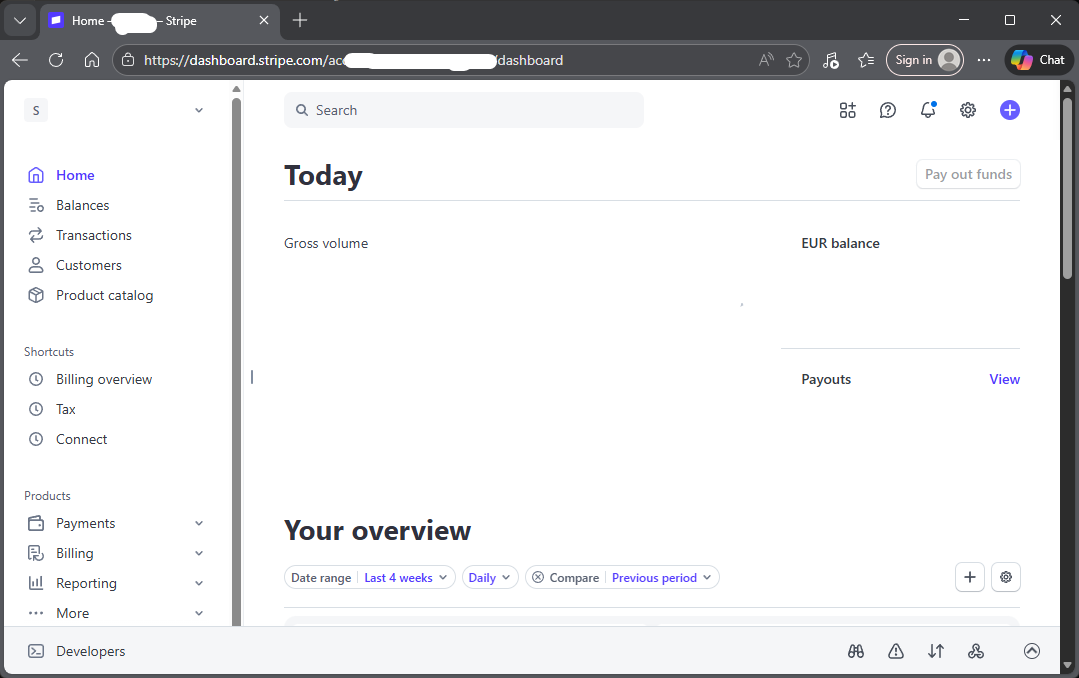
Go to the official Stripe Login portal here to begin sign-in with your Stripe business account.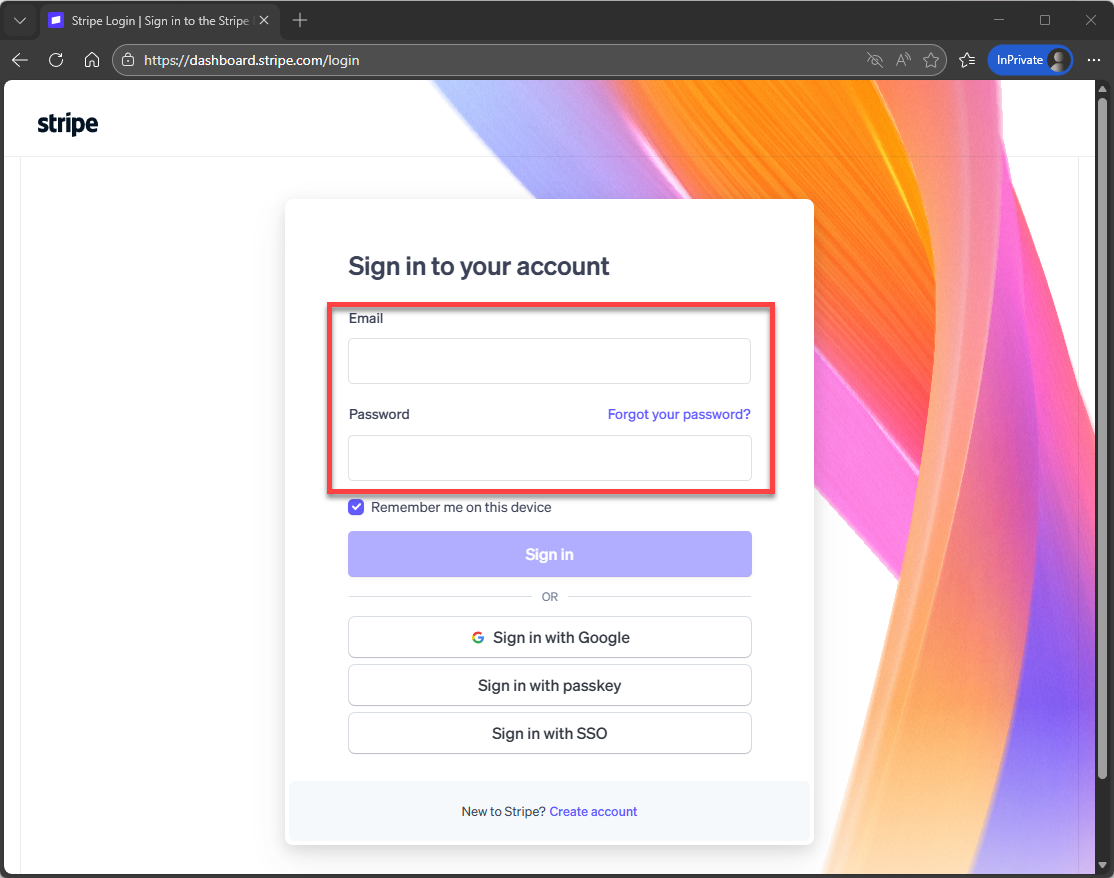 And then you will see the dashboard:
2. Create new Stripe Account
Click on the icon to expand the panel: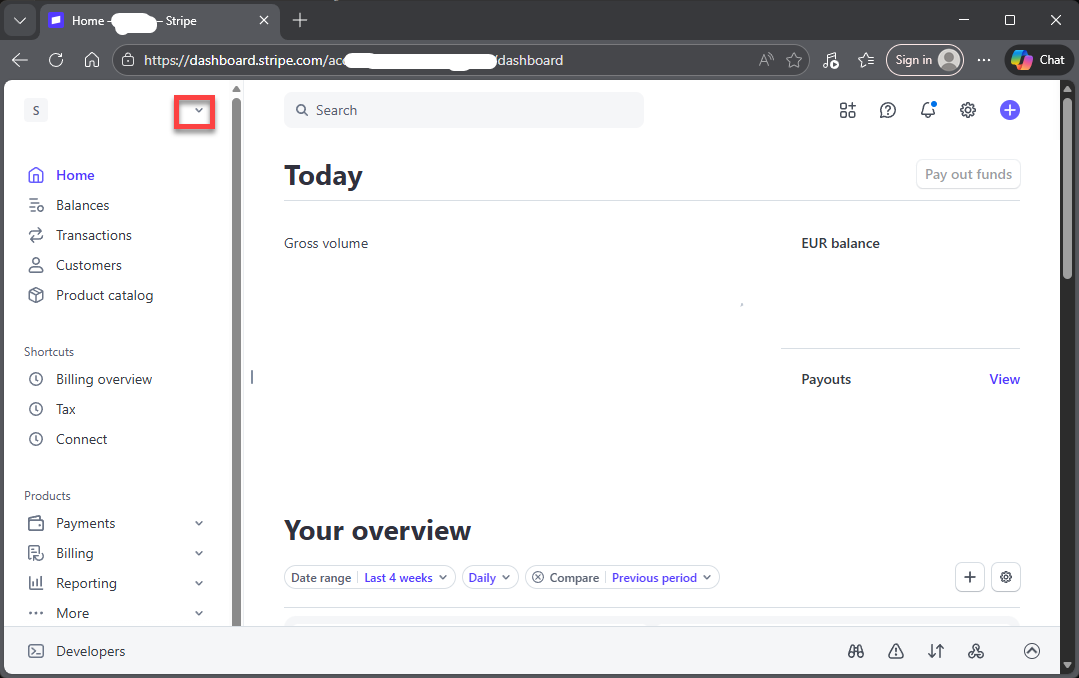 Then, click “Create Account”:
Next, a dialog will be shown and click Next:
Then, click “Create Account”:
Next, a dialog will be shown and click Next:
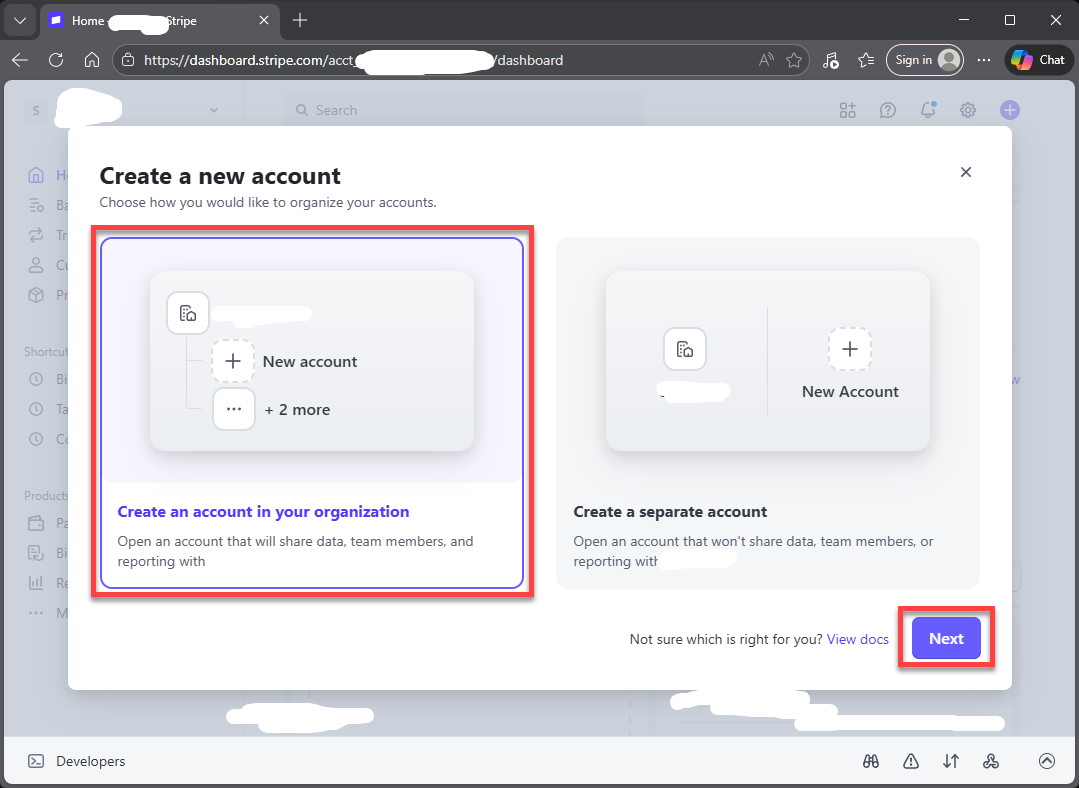 Next, a new dialog will be shown like this:
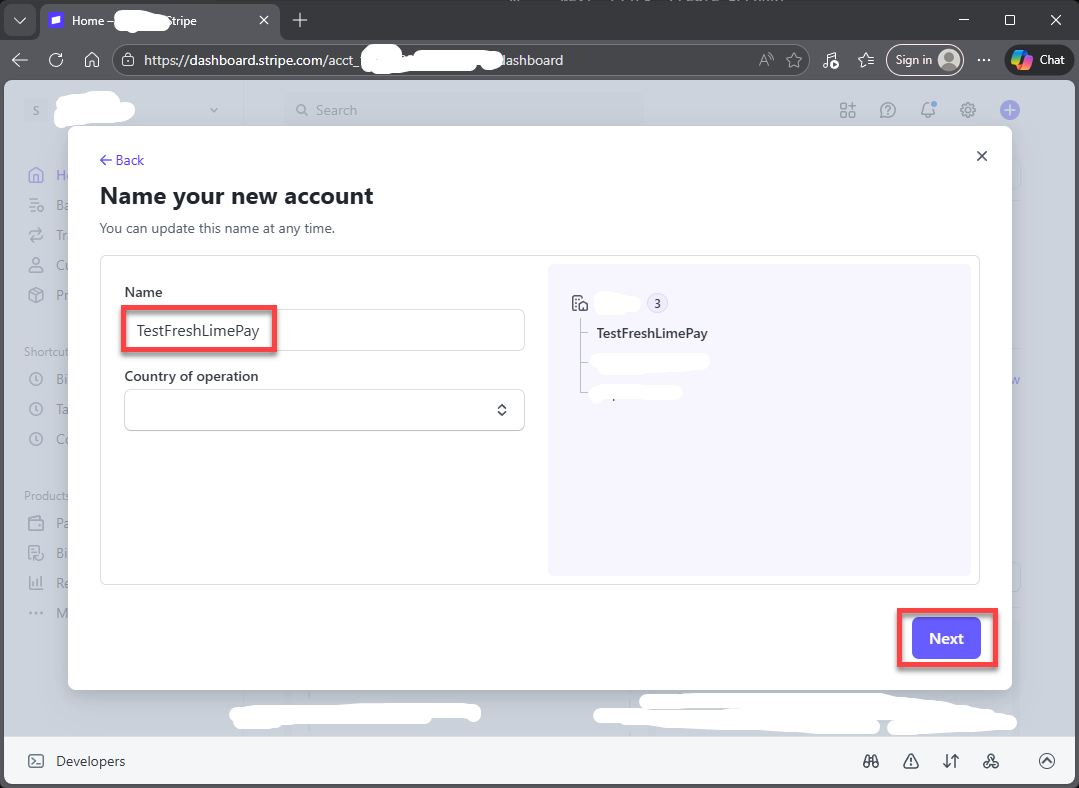
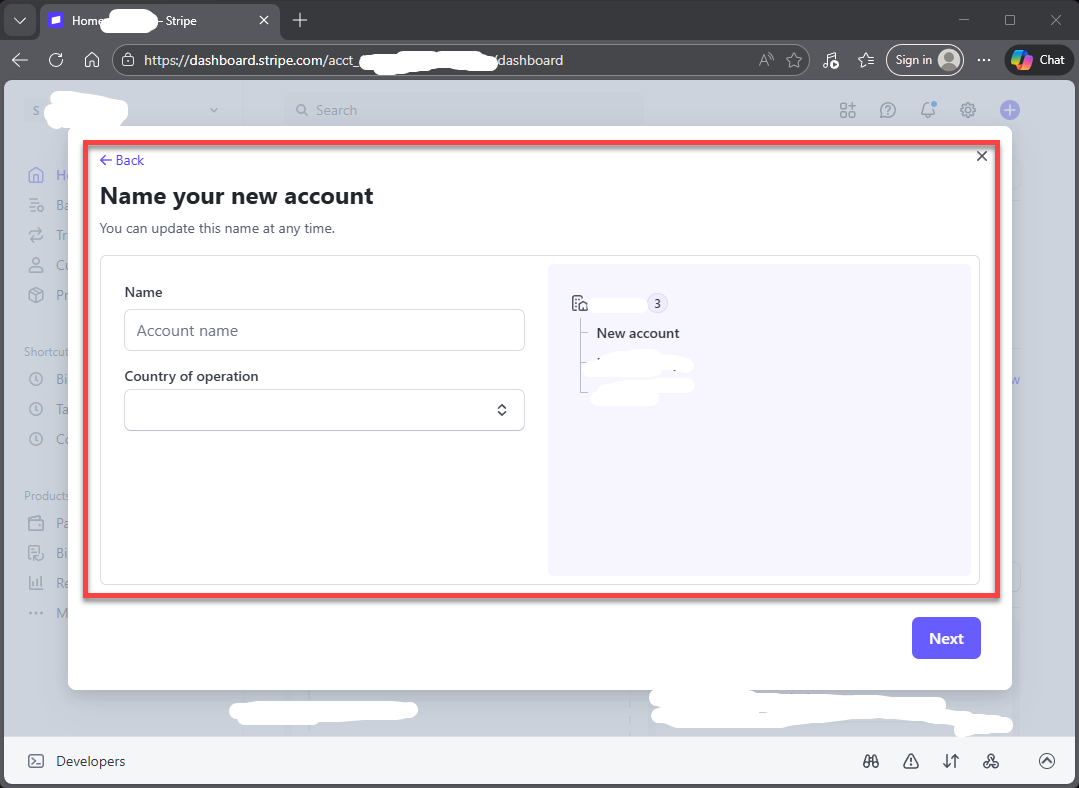 Next, enter “TestFreshLimePay” and click “Next”:
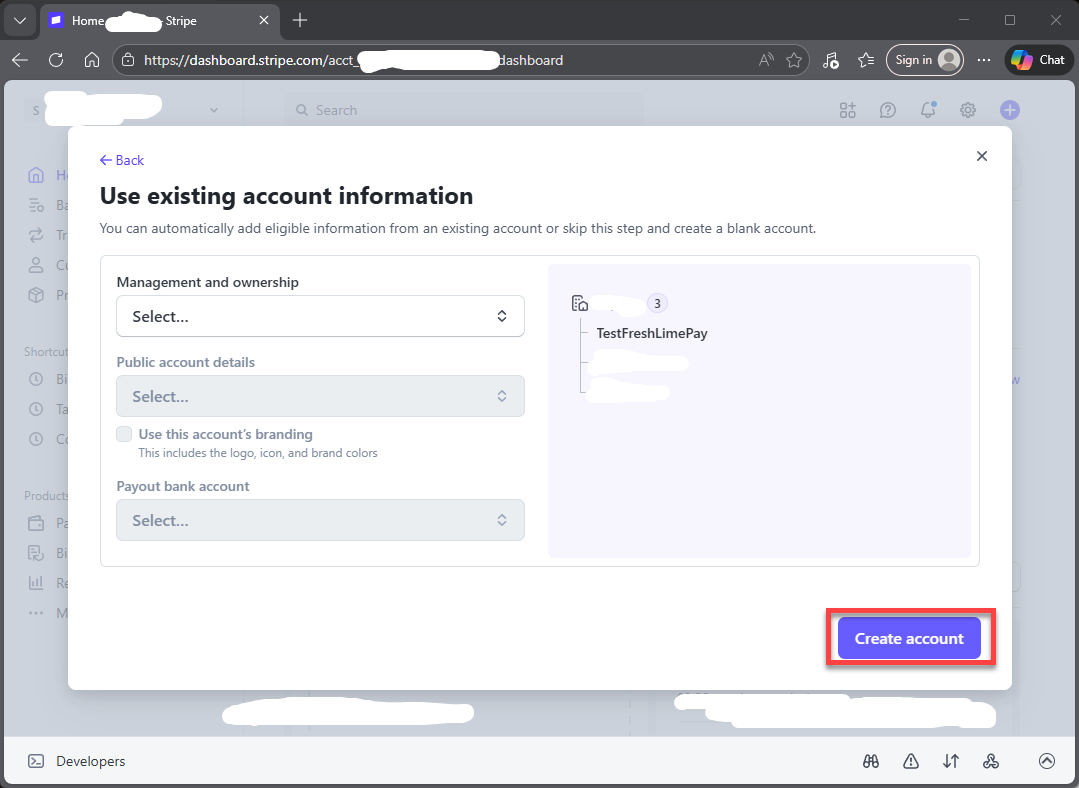
 Next, a new dialog will be shown like this(simply skip this) and click “Create Account”:
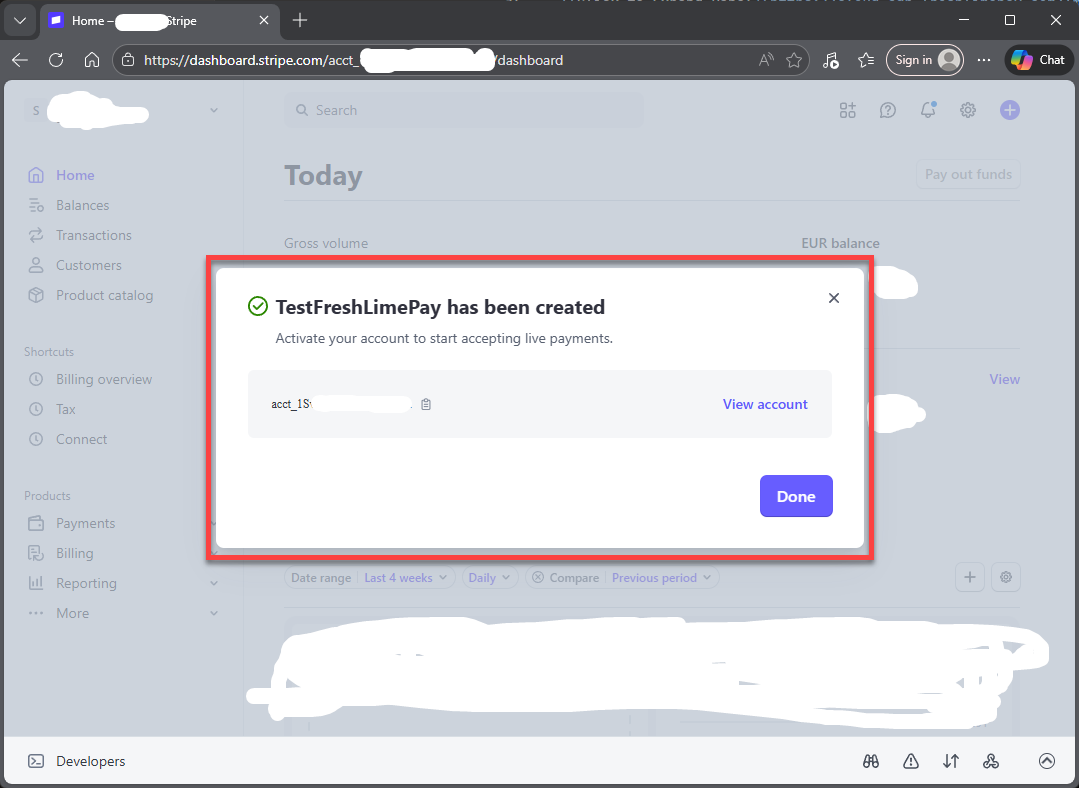
 Wait a moment and then you will see a new dialog will be shown like this:
3. Copy Your Publishable and Secret Key
Once the app is created, your credentials will be visible immediately.- Publishable Key
- Secret Key
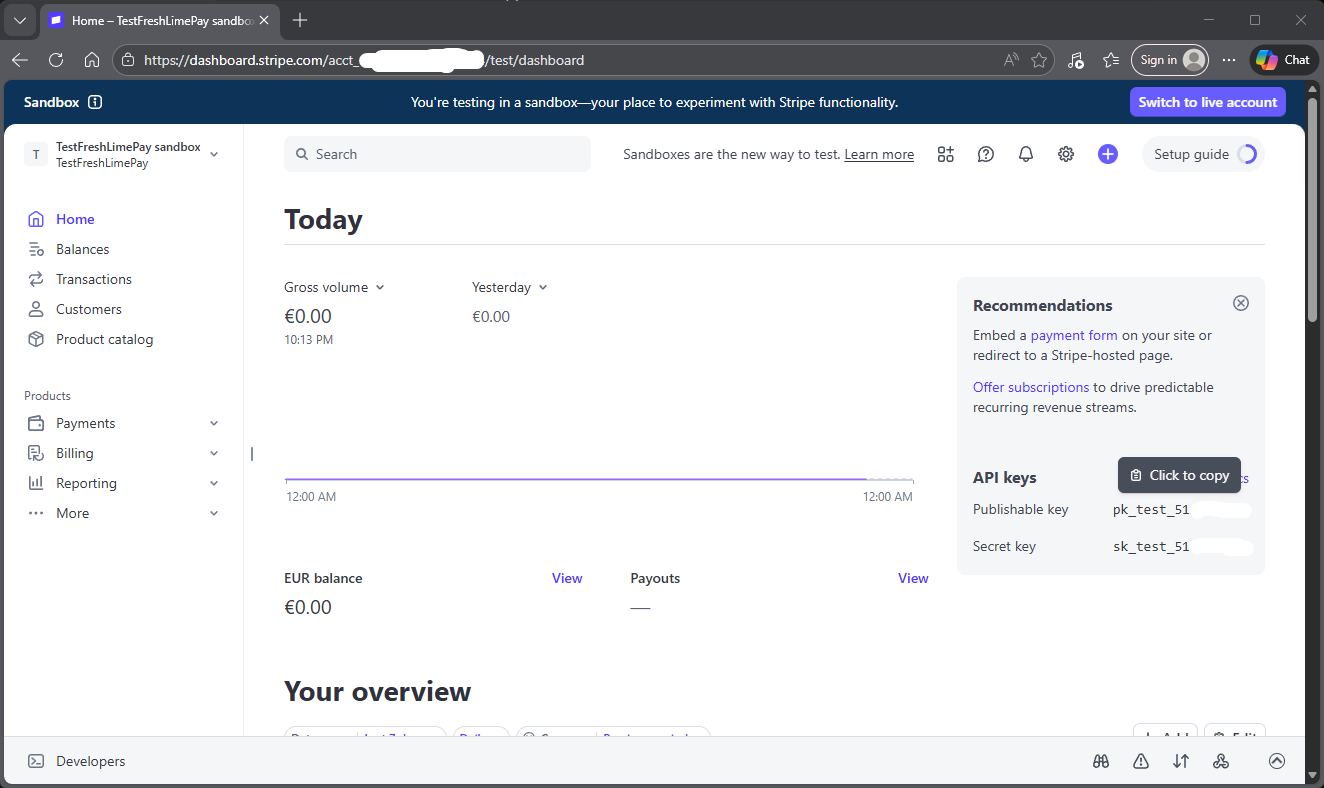
Keep your Secret Key. Never expose it publicly.
5. Add Your Credentials to FreshLimePay Cloud
Sign in
Sign in to FreshLimePay Cloud using your Google account.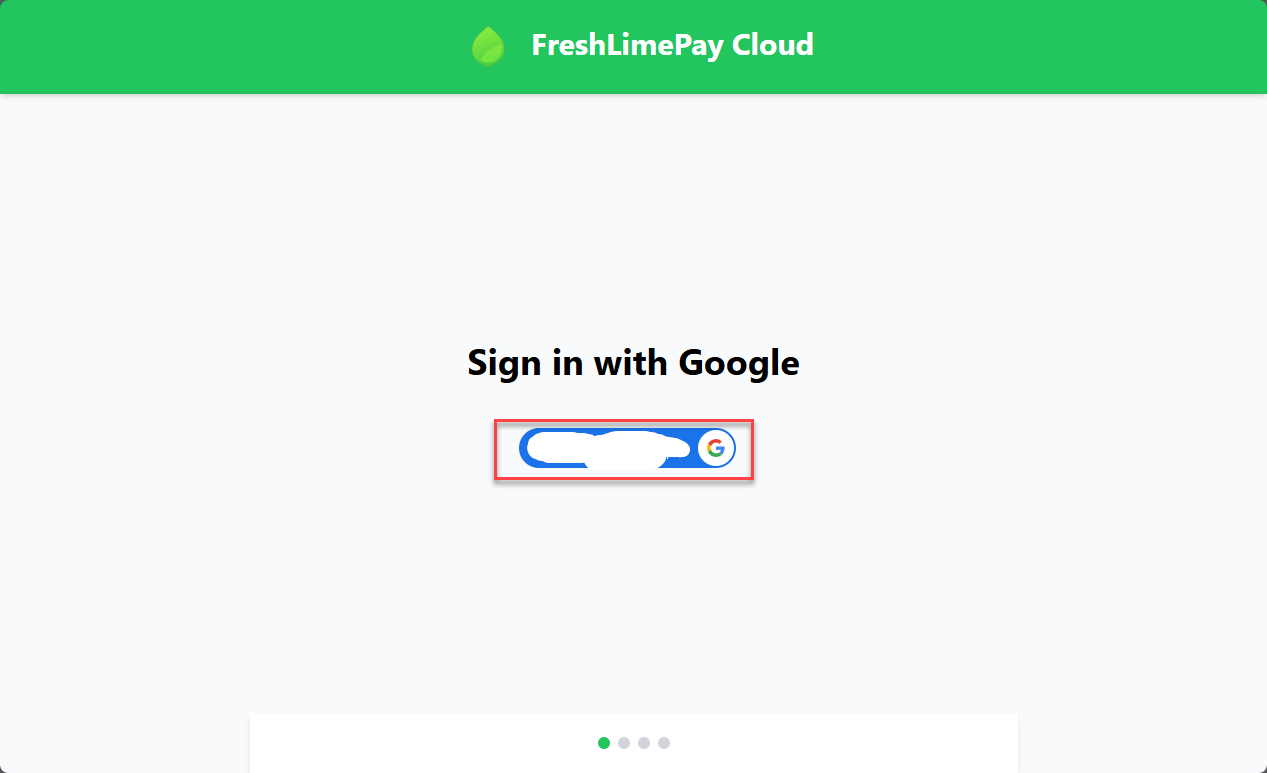
Update settings
Go to your settings page: https://cloud.freshlimepay.com/get-started/update-settings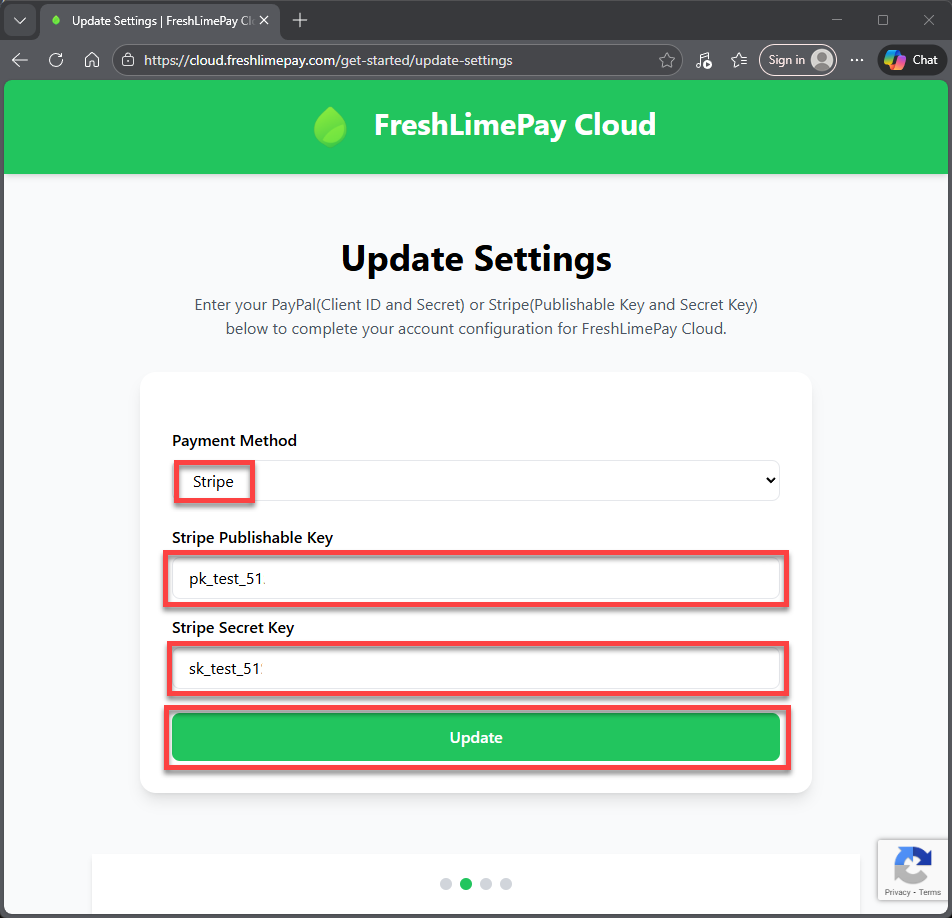 Paste your Publishable Key and Secret Key, then click Update.
Start accepting payments
After connecting:- Add products for one-time or subscription payments
- Generate checkout buttons or links
- Embed them on your site or app
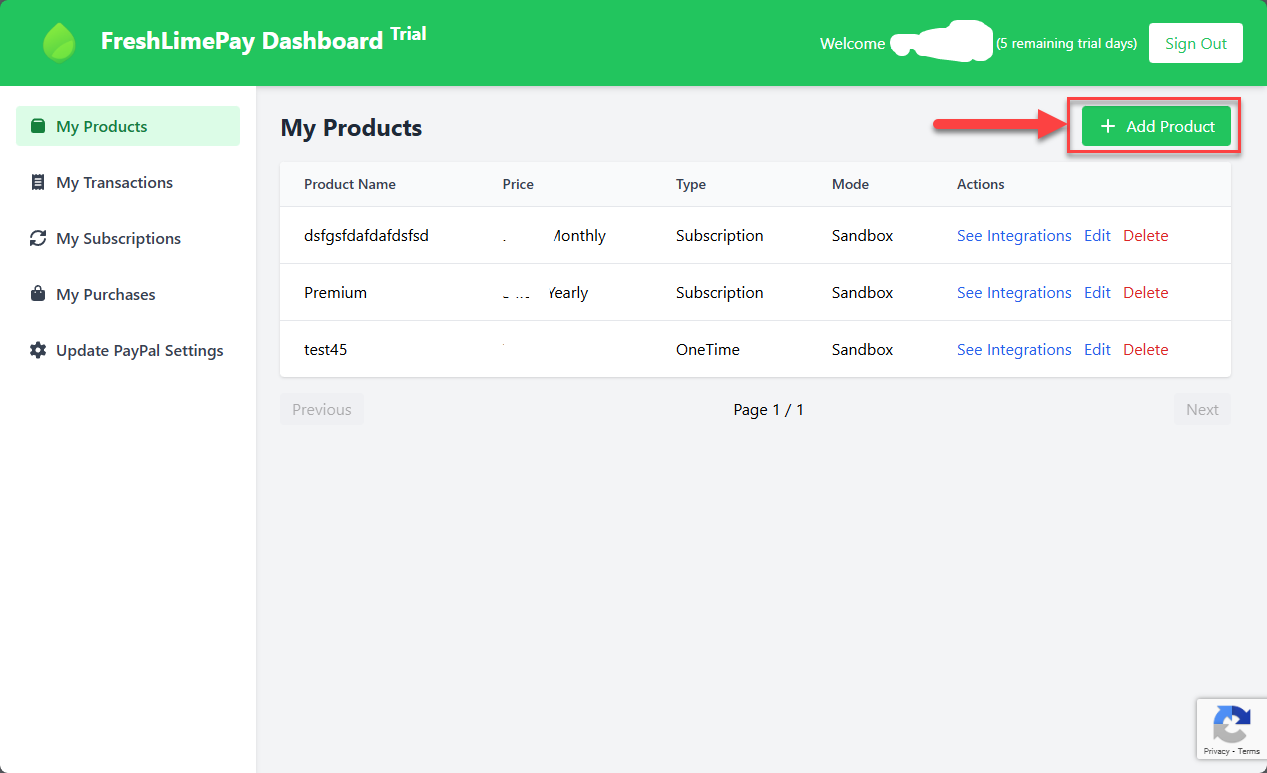 You can now accept Stripe payments directly into your account.
What’s next?
Create your first Stripe button
Set up a one-time Stripe checkout button and embed it directly on your website or app.
Create your recurring Stripe button
Create subscription-based Stripe buttons for recurring payments with secure, automatic payouts.